Amazon Workspaces Core (WSC) Managed Instances (Early Access)
Overview
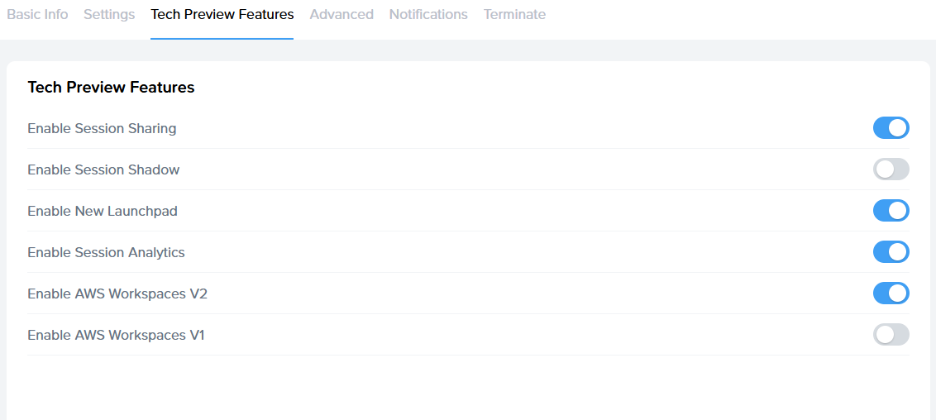
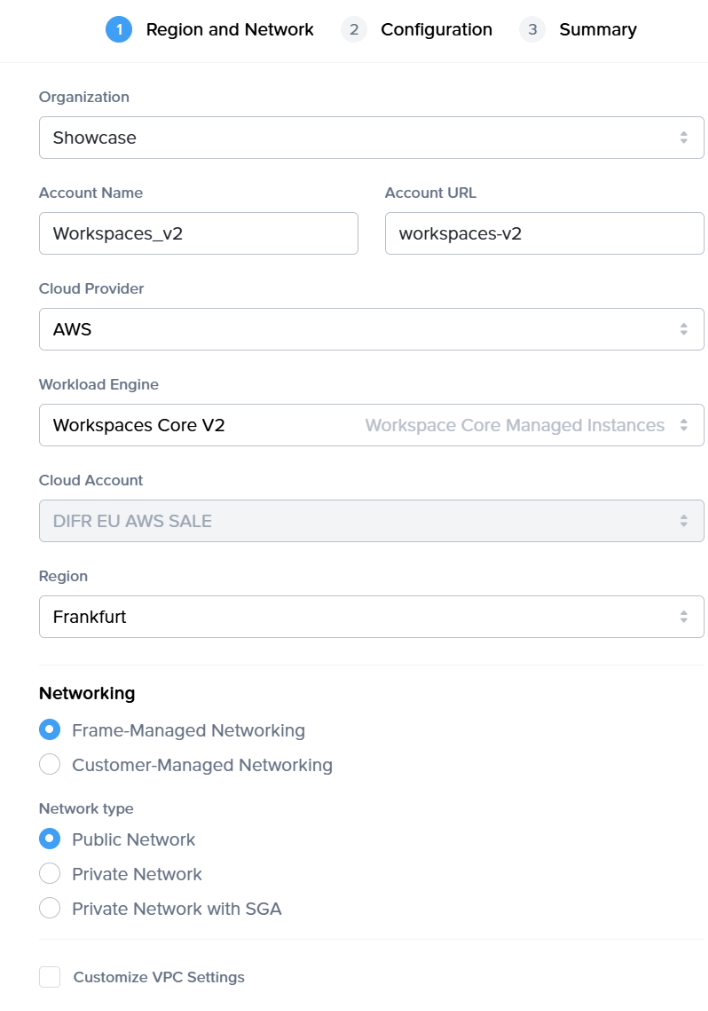
Amazon WorkSpaces Core Managed Instances (WCMI - Workspace Core v2) offer maximum flexibility, supporting customer-supplied Windows 11 images, persistent or non-persistent desktops, and Microsoft 365 Apps via BYOL. The pricing model is usage-based, allowing customers to choose from a wide range of EC2 instance types, including GPU-enabled options. Designed for organizations that want to run Windows 11 and/or Microsoft 365 under their own licenses, this model offers a managed yet flexible way to deploy desktops on Amazon WorkSpaces Core while leveraging Dizzion’s DaaS platform for orchestration, security, and user access. It enables license portability and ensures compliance with existing Microsoft agreements.
Prerequisites
Before registering workloads, ensure the following conditions are met:
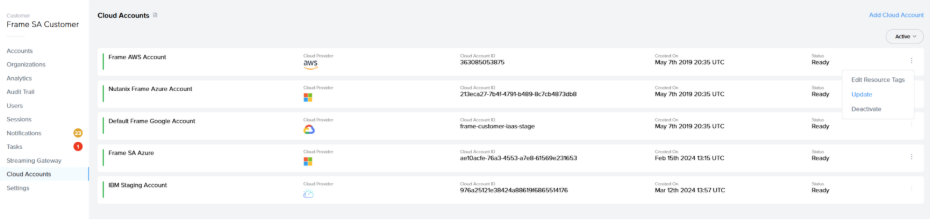
- The AWS cloud account has been imported into Frame using the standard AWS Cloud Account creation procedure. For detailed instructions, see AWS Add Cloud Account.
- WorkSpaces V2 supports only Windows 11 and operates under a Bring Your Own License (BYOL) model.
- Both persistent and non-persistent workloads are supported.
- You have granted permission for the creation of the required service-linked role (workspaces-instances.amazonaws.com), as described in the Workflow
section.
section.
IMPORTANT NOTE: Important Note!
The sandbox runs as an EC2 instance on Dedicated Instances,Instances, as required for Windows 11 licensing compliance.compliance. This setup also enables platform features like publish, backup, and clone which are mandatory. Production desktops,desktops, however, run as WorkSpaces Core Managed Instances,Instances, optimized for scalability and end-user performance.